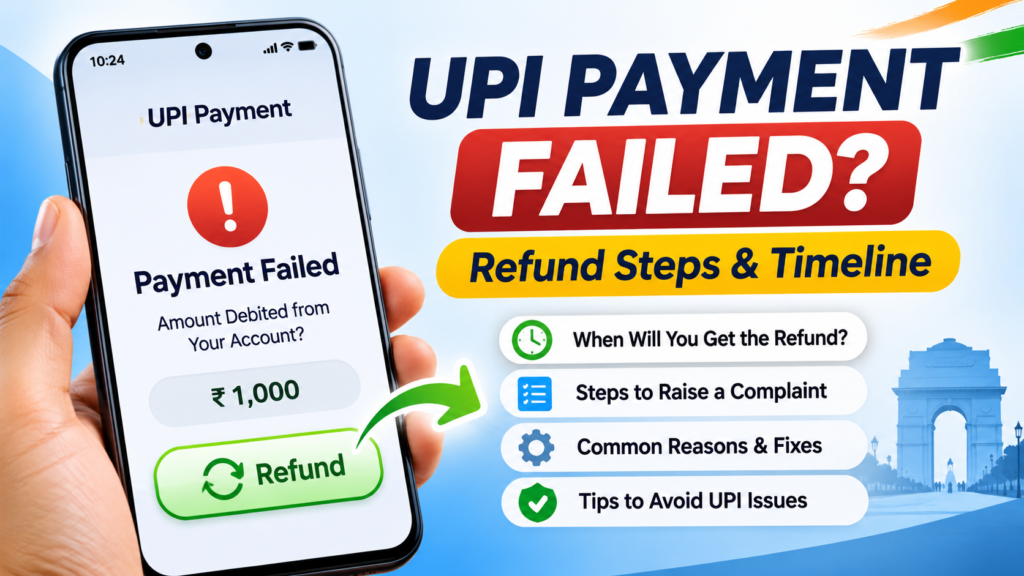

UPI payment failed but money debited? If your bank balance dropped after a failed or pending Google Pay, PhonePe, Paytm or BHIM payment, first verify the transaction before sending money again. A pending notification does not necessarily mean the receiver was unpaid.
Quick answer: The Reserve Bank of India’s published failed-transaction framework specifies auto-reversal by T+1 day if a person-to-person UPI fund transfer debited the sender but did not credit the beneficiary. For a UPI merchant payment without confirmation at the merchant, the framework specifies T+5 days. T means the calendar date of the transaction. Check the official RBI framework for the applicable case.
UPI Payment Failed but Money Debited: First Five Checks
- Open the UPI app’s Transaction History and identify whether the payment is marked failed, pending or successful.
- Check your bank statement, rather than relying on a notification alone.
- Save the UPI transaction or reference ID, amount, date and receiver details.
- Ask the receiver to check their own balance or bank statement before repeating the payment.
- If the money remains missing, use your app’s official Help option or contact your bank.
Do not share a UPI PIN or OTP with someone claiming to process a refund. A legitimate refund does not require approving an incoming collect request.
UPI Refund Time: T+1 or T+5?
| Payment issue | RBI reversal timeframe |
|---|---|
| Person-to-person transfer: sender debited, beneficiary not credited | T+1 day, if beneficiary credit cannot be completed |
| Payment to merchant: sender debited, merchant confirmation missing | T+5 days |
| Transaction still pending | Confirm the final status and payment type before assuming a refund deadline |
The RBI framework also specifies ₹100 per day compensation for qualifying delays beyond the relevant deadline. This is not a payment for every pending transaction: the incident must fall under the framework’s criteria. The RBI says applicable compensation should be credited automatically, without requiring a claim.
How to Raise a Complaint in PhonePe, Google Pay, Paytm or BHIM
Exact menu names may differ between app versions, but the usual process is:
- Open the app and select History, Activity or Transactions.
- Choose the affected payment, then open Help or Report a Problem.
- Choose the accurate issue, such as “money debited but not received” or “payment pending.”
- Provide the requested transaction details and submit your complaint.
- Save the complaint number and follow up with your bank using its official support channel.
The NPCI UPI FAQs explain the difference between failed and pending payments and advise contacting the bank when an incorrect debit is not reversed. NPCI also describes transaction-dispute reporting through its MyUPI information page.
Why a UPI Payment Can Remain Pending
The bank or payment service may not have confirmed the final outcome. Temporary service interruptions, delayed responses between banks or payment verification problems can all affect what an app displays. Refresh the transaction status if that option exists, then compare it with the bank statement.
Do not immediately pay twice. If the first payment later succeeds, a second payment could create a duplicate transfer. If you must retry urgently, document the original transaction and discuss it with the recipient first.
Money Debited, Merchant Says Payment Not Received
Check whether the transaction is a merchant payment rather than a transfer to an individual. The RBI framework distinguishes these cases and assigns different reversal timeframes. Keep the shop receipt or order reference. Ask the merchant to check the payment status, but do not provide your banking password, PIN or OTP.
What to Do When the Refund Deadline Passes
Contact your bank with the transaction ID, exact amount, date, app name and complaint reference. Ask whether the payment was successfully credited, returned or sent for dispute resolution. Use the bank’s published grievance escalation process if the issue is unresolved. Avoid random “customer care” phone numbers in social comments or sponsored search results.
For other digital-payment information, see our UPI charges and rules explainer. To identify suspicious payment requests, read our QR code scam warning signs.
Common UPI Refund Scams
- Someone asks you to enter your UPI PIN to “receive” a refund.
- A caller requests screen sharing or remote control of your device.
- A stranger sends a collect request and calls it a refund authorization.
- An unofficial support account asks for an OTP, card details or bank password.
Never act on these requests. If you suspect an unauthorized transaction rather than a failed payment, report it promptly through your bank and appropriate official cybercrime channels.
Frequently Asked Questions
Will money return after a failed UPI transaction?
A genuinely failed transaction with an incorrect debit is subject to the applicable RBI reversal framework. Check whether the payment ultimately completed before expecting a refund.
Is the refund time 24 hours or five days?
It depends on the type of UPI transaction. The RBI’s specified timeframes are T+1 day for certain failed fund transfers and T+5 days for merchant payments without confirmation.
Can I cancel a pending UPI payment?
NPCI says an initiated UPI payment cannot simply be stopped. Use official transaction-status and dispute procedures.
Should I give my UPI PIN for a refund?
No. Never share your UPI PIN or OTP to receive money or resolve a complaint.
What if the payment status never updates?
Ask the bank or app provider to investigate using your UPI transaction reference number. Keep records of any follow-up.
Sources
- Reserve Bank of India: TAT and compensation for failed transactions
- NPCI: UPI Frequently Asked Questions
- NPCI: UPI complaints and MyUPI
Editorial note: This India-focused troubleshooting guide explains published RBI/NPCI guidance. App menus and individual dispute outcomes may differ. Last checked November 2026.